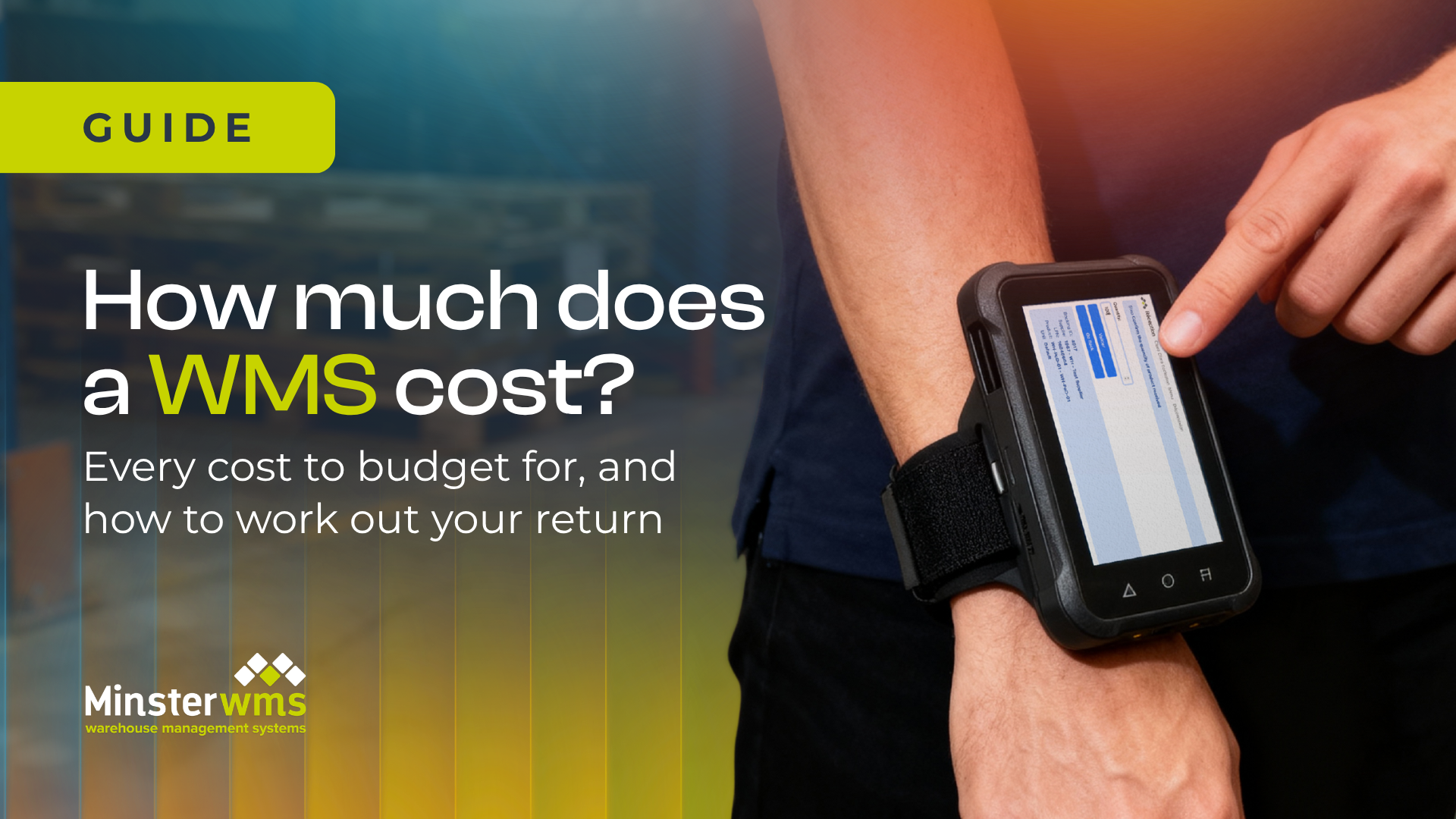
How much does a warehouse management system cost?
Every cost to budget for, and how to work out your return.
Your warehouse management system cost depends on five things: how many people use it, how many sites you run, which systems it connects to, the hardware you need and the support you get. A cloud-based WMS is usually paid for as a monthly subscription plus a one-off setup cost, rather than a large licence fee up front.
This guide breaks down every cost to budget for, what pushes the price up or down, and how to work out whether a WMS will pay for itself. It's written by Minster's UK team, who have been helping warehouses since 1978.
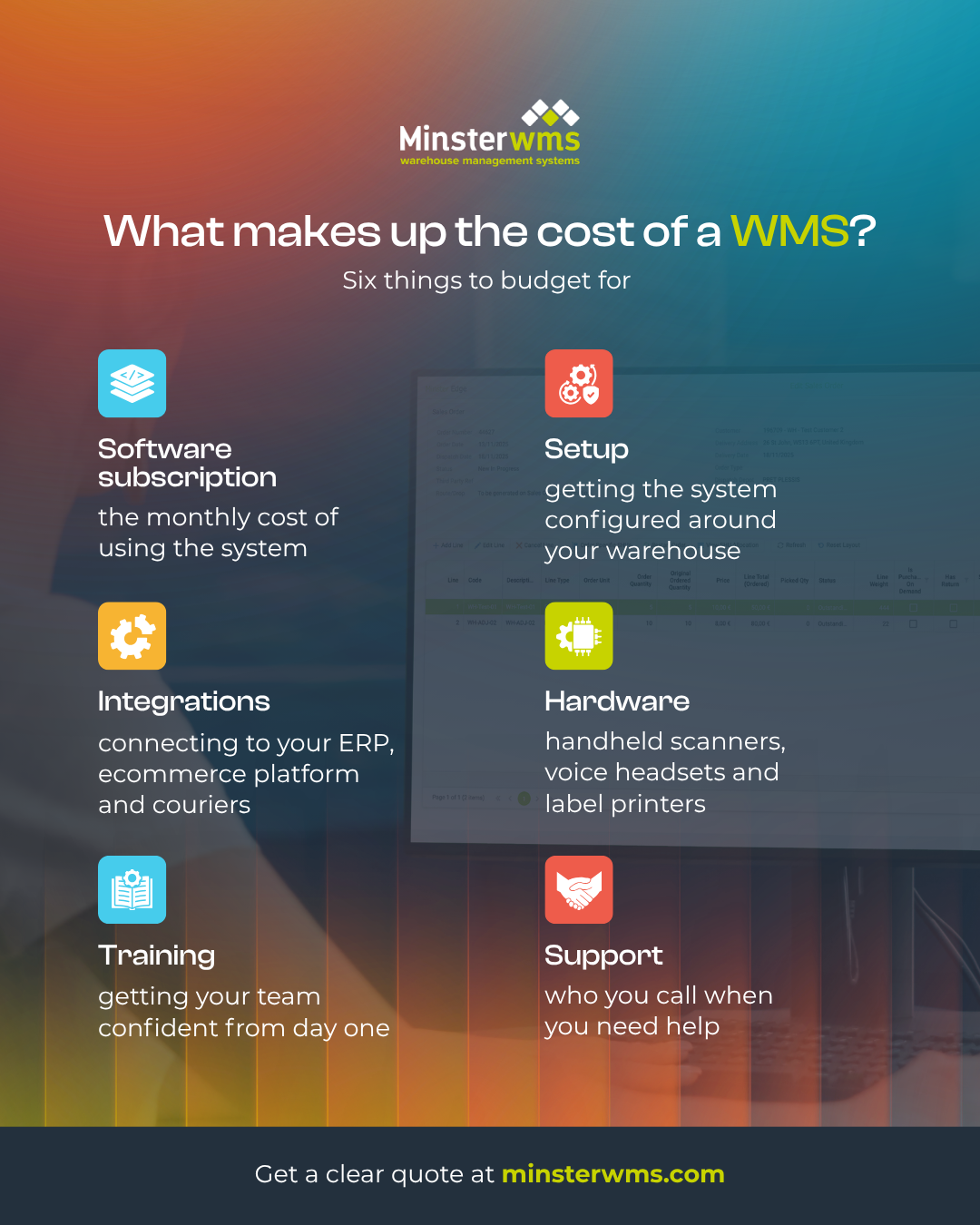
What you pay for: the six parts of a WMS cost
Most WMS pricing is built from the same six parts. Some are one-off and some are ongoing, so it helps to look at both before you compare quotes.
| Cost | What it covers | One-off or ongoing? |
|---|---|---|
| Software subscription | Your use of the system, usually priced by users, sites or both | Ongoing (monthly or yearly) |
| Setup and configuration | Setting the system up around your locations, products and workflows | One-off |
| Integrations | Connecting your WMS to your ERP, ecommerce platform, couriers and finance system | Mostly one-off |
| Hardware | Handheld scanners, voice headsets, label printers and Wi-Fi coverage | One-off, plus replacements |
| Training | Getting your team confident before and after go-live | Mostly one-off |
| Support | Help when something goes wrong, plus updates over time | Ongoing |
The two costs people underestimate
Integrations.
A WMS rarely works alone. It needs to talk to your ERP, your online shop, your couriers and your accounts. Each connection takes time to set up and test, and older or bespoke systems take longer. Ask for every integration to be listed in your quote. Minster's
IntaData
was built for exactly this job. It links your WMS to the systems you already run, including older legacy ones, without a costly development project.
Hardware.
Your team needs devices to scan, pick and pack. That might mean handheld scanners, voice headsets for hands-free picking and label printers, plus solid Wi-Fi across the warehouse floor. Both of Minster's systems come with voice controls, so staff can receive, put away, pick, count stock and dispatch hands-free.
Cloud or on-premise: how the cost model changes
With an on-premise WMS, you usually buy licences up front and run the software on your own servers. That means paying for the servers, the IT time to look after them, and upgrades when they come round.
A cloud-based WMS runs on the provider's servers instead. You pay a subscription, and hosting, security and updates are covered by it. The cost is spread more evenly, so it's easier to plan for.
Both of Minster's systems, CORE and EDGE, are
cloud-based WMS products. If you're weighing up the two models in more detail, read our comparison of
on-premise vs cloud WMS.
Based in the cloud for easy scalability
Trusted by businesses since 1978
What pushes the price up or down
Two warehouses can get very different quotes for the same system. These are the factors that make the difference:
Users. More people on the system usually means a higher subscription.
Sites. Each extra warehouse adds setup, configuration and training.
Products and orders. More product lines and higher order volumes mean more to set up and test.
Customisation. A system that works out of the box costs less than one shaped around unusual workflows.
Integrations. Each system you connect adds work, especially older or bespoke ones.
Your data. Clean product and location data makes setup faster. Messy spreadsheets add time.
Integrations.
A WMS rarely works alone. It needs to talk to your ERP, your online shop, your couriers and your accounts. Each connection takes time to set up and test, and older or bespoke systems take longer. Ask for every integration to be listed in your quote. Minster's
IntaData
was built for exactly this job. It links your WMS to the systems you already run, including older legacy ones, without a costly development project.
The cost of doing nothing
It's easy to treat a WMS purely as a cost and forget what you're already paying without one. Mis-picks, re-deliveries, stock you can't find, staff overtime and customers who don't come back all cost money, even if they never show up as one line in your accounts.
We look at these in more detail in
the hidden costs of running a warehouse without a WMS.
Working out your return
Price only tells half the story. To judge a WMS properly, set the warehouse management system cost against what it will save you. Four numbers from your own warehouse will give you a good picture:
- Picking errors. How many mis-picks happen each month, and what does each one cost to put right? Include the re-pick, the re-delivery and the customer service time.
- Manual hours. How many staff hours go on paperwork, stock checks and hunting for stock?
- Dispatch time. How long does an order take from arriving to leaving the building?
- Stock accuracy. How often does the system say you have stock that isn't really there?
Once you have those, you can see what a better system would change. For reference, these are the results behind Minster's WMS:
| Result | Figure |
|---|---|
| Picking accuracy | 99.98% |
| Dispatch times cut by | Up to 80% |
| Cost saving | 30% |
| Average annual savings | £154,400 |
And because you could be up and running on Minster's WMS within six weeks, with improvements felt two weeks later, the savings can start early.
Want to see what a WMS could save your warehouse? Book a demo with our UK team.
Integrations.
A WMS rarely works alone. It needs to talk to your ERP, your online shop, your couriers and your accounts. Each connection takes time to set up and test, and older or bespoke systems take longer. Ask for every integration to be listed in your quote. Minster's
IntaData
was built for exactly this job. It links your WMS to the systems you already run, including older legacy ones, without a costly development project.
Questions to ask for a clear quote
A clear quote makes it far easier to compare your WMS cost like for like. Ask every provider these questions:
- What's included in the subscription, and what costs extra?
- Is there a one-off setup fee, and what does it cover?
- How are integrations priced?
- Will our existing scanners and printers work?
- Is training included, and for how many people?
- What support do we get, and when is it available?
- What happens to the price if we add users or sites?
- How long is the contract, and what's the notice period?
Still comparing options? Use our WMS buyer's checklist . Planning the switch? Read our WMS implementation guide .
Frequently asked questions
Is a cloud WMS cheaper than on-premise?
Usually it's cheaper to start, because there are no servers to buy and no big licence fee up front. Over many years the totals can be closer, so compare the full cost of a warehouse management system over the same period, including IT time, hosting and upgrades.
Is the software the only cost?
No. The warehouse management system software cost is only one part. Integrations, hardware and getting your data ready all need budgeting for too. WMS implementation costs are much easier to control when each one is listed in the quote.
Do I need new hardware?
Not always. Many warehouses can reuse some of their existing scanners or printers. Ask your provider to check what you already have before they quote.
Does WMS pricing include updates?
With a cloud system, updates are usually part of the subscription. With an on-premise system, upgrades can be a separate cost. Either way, check before you sign.
Can a small business afford a WMS?
Yes. Cloud systems have made a WMS realistic for much smaller operations, because you pay monthly rather than buying everything up front. Minster's CORE is suited to small and medium-sized businesses.
How soon does a WMS pay for itself?
It depends on your order volumes, error rates and manual hours today. Because Minster's WMS can go live within six weeks, the cost of a warehouse management system starts paying back much sooner than it would after a long project.
Get a clear quote for your warehouse
Every warehouse is different, so the only accurate WMS system cost is one built around yours. Book a demo with our UK team. We'll show you the system, answer your questions and talk through what it would cost for your operation.