How to choose the best warehouse management system for your business
A step-by-step buyer's checklist.
The best warehouse management system is the one that fits how your warehouse works, connects to the systems you already use and comes with support you can rely on. To find it, list your must-haves, check the integrations, compare the full cost and see each system doing your real jobs before you decide.
There's no single best WMS for every business. A 3PL juggling dozens of clients needs something different from a manufacturer or an online retailer, and comparing the best WMS systems on a list won't tell you which one fits your warehouse. A good WMS selection process will. This guide walks you through it in eight steps, with a free checklist at the end.
Step 1: List your must-haves
Before you look at any system, write down what your warehouse needs it to do. Think about:
- your industry, and any rules you work to, such as batch tracking or temperature control
- how many orders you ship each day, and how that changes in peak season
- how many sites, products and customers you manage
- the jobs that cause you the most trouble today
Keep the list short. Ten must-haves you'd walk away without are worth more than a hundred nice-to-haves. Even the best warehouse management systems disappoint when they're chosen against the wrong list.
If you work in a specific sector, our industry pages show how a WMS handles its particular challenges.
Step 2: Check it fits your other systems
A WMS has to talk to your ERP, your ecommerce platform, your couriers and your accounts. Ask each provider exactly how they connect, how long it takes and who looks after the connection once it's running. If you run older or bespoke systems, ask for examples of where it has been done before.
Minster's IntaData connects older and legacy systems to your new WMS without a big development project.
Step 3: Decide between cloud and on-premise
An on-premise WMS runs on your own servers, and you look after them. A cloud-based WMS runs on the provider's servers and is paid for by subscription. Cloud tends to be quicker to set up and easier to scale, and your team can use it from anywhere.
Minster's systems arecloud-based. For a deeper look at the trade-offs, read our comparison ofon-premise vs cloud WMS.
Step 4: Ask how long it takes to go live
Some WMS projects drag on for months, and every week costs you. Ask each provider for a realistic go-live date and what it depends on.
Minster's systems can be up and running within six weeks. OurWMS implementation guideexplains each stage.
Step 5: Check who supports you, and where they are
When something goes wrong at 6am on a Monday, who picks up the phone? Ask whether support runs round the clock, whether it's handled in-house or outsourced, and where the team is based.
Minster's support comes from our own UK-based team, around the clock. You speak to people who know the system inside out, not a call centre reading from a script.
Step 6: Get the full cost, not just the subscription
Compare quotes on the same basis: subscription, setup, integrations, hardware, training and support. A low monthly fee can hide high one-off costs, so the best WMS software for you is the one with no surprises in the quote. Our guide tohow much a WMS costsbreaks every part down.
Step 7: See it doing your real jobs
A good demo shows the system handling your work, not a general tour. Before each demo, send the provider two or three of your trickiest everyday tasks and ask them to walk through each one. Watch how many clicks it takes, and how easy it would be for your team.
Step 8: Speak to existing customers
Ask for references from businesses like yours, and read their case studies. Ask how go-live went, what they'd do differently and what support has been like since. You can read how Minster customers got on in ourcase studies.
Want to see Minster handle your trickiest jobs? Book a demo with our UK team.
Red flags to watch for
If you spot any of these while comparing systems, ask more questions before you go any further:
- vague answers about integrations or timelines
- a quote that leaves out setup, training or hardware
- support that's only available in office hours, or goes through a call centre
- no customers in your industry willing to talk to you
- a demo that never shows the jobs you asked about
- pressure to sign before you've seen the full cost
Your WMS buyer's checklist
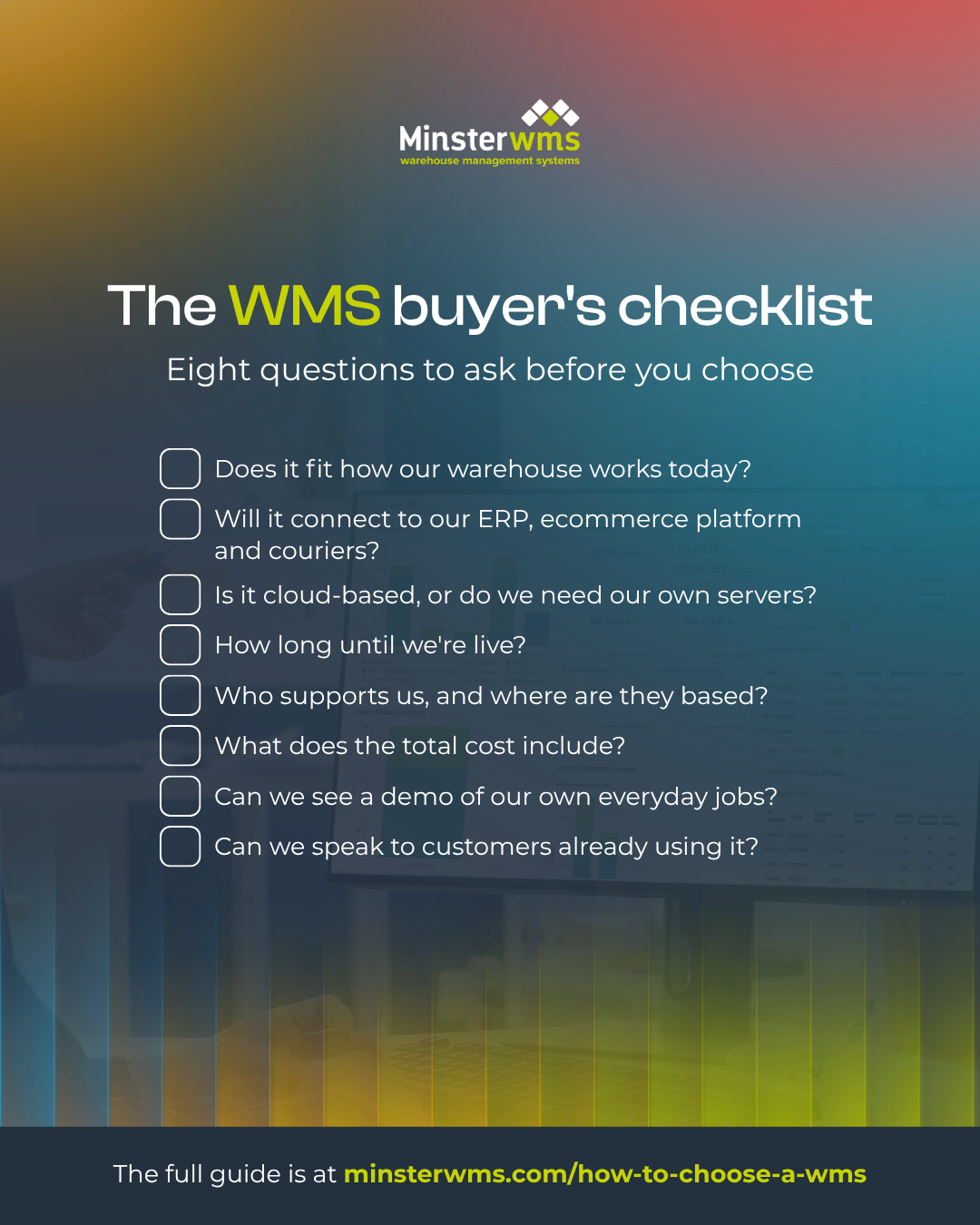
Take these eight questions into every conversation with a provider:
- Does it fit how our warehouse works today?
- Will it connect to our ERP, ecommerce platform and couriers?
- Is it cloud-based, or do we need our own servers?
- How long until we're live?
- Who supports us, and where are they based?
- What does the total cost include?
- Can we see a demo of our own everyday jobs?
- Can we speak to customers already using it?
Working out your budget? Read our guide to how much a WMS costs .
Frequently asked questions
What should a small business look for in a WMS?
Look for a cloud-based system that works out of the box, needs little IT support and can grow with you. Minster's CORE is suited to small and medium-sized businesses. Larger or more complex operations usually need room to customise, which is what EDGE is for.
Do I need a WMS or an ERP?
An ERP runs your whole business: finance, sales and purchasing. A WMS goes deeper into the warehouse: picking, putaway, stock locations and dispatch. Many businesses use both, connected together. Our guide to WMS vs ERP explains the differences.
What are the requirements for a warehouse management system?
Every warehouse is different, but most need stock control by location, goods in, picking and packing, dispatch, reporting and connections to other systems. The warehouse management system requirements that matter most are the ones on your own list from Step 1. For a closer look at what a WMS does day to day, read the 5 key functions of a WMS.
What should a WMS demo show?
Your own everyday jobs: goods in, putaway, picking, packing, dispatch and returns, plus the reports you'd use each day. The best warehouse management system software will handle these without workarounds. If a demo only shows the nice screens, ask to see the rest.
How long does it take to choose a WMS?
It depends on how complex your operation is. Allow time for your requirements list, demos, references and the contract. Rushing the choice usually costs more than taking a few extra weeks.
Find out if Minster is the right fit
The best WMS is the one that fits your warehouse. Book a demo with our UK team, bring your must-haves list, and we'll show you how Minster handles each one.