How well does your warehouse work? It's a simple question with a surprisingly complicated answer.
Orders might leave on time, but perhaps your pickers walk much further than they need to. Your inventory records might look healthy until somebody counts what's actually on the shelves. Or your warehouse might run smoothly because three long-serving employees know exactly how to work around all its little quirks.
That's where a warehouse audit comes in.
A warehouse audit is a systematic review of the way your warehouse operates. It can cover everything from inventory accuracy and storage space to picking processes, staff productivity, technology and performance data.
In other words, it's a warehouse MOT.
Here's how to conduct one without getting lost in the details.
What is a warehouse audit?
A warehouse audit is an opportunity to compare how your warehouse is supposed to work with how it actually works.
That means looking beyond whether the shelves are tidy or orders are going out the door.
A thorough audit might examine:
- Inventory and stock accuracy
- Receiving and putaway
- Storage locations and warehouse layout
- Picking and packing
- Shipping and returns
- Staff processes and productivity
- Warehouse software and integrations
- Performance metrics and reporting
The aim isn't simply to find problems. It's to identify opportunities to make the warehouse faster, more accurate and easier to manage.
How to audit your warehouse
1. Start with your inventory
Inventory is a logical place to start because so much else depends on it.
Compare the quantities recorded in your inventory system with what's physically sitting in the warehouse. Are there regular discrepancies? Missing products? Stock stored somewhere other than its recorded location?
Don't just ask whether you have the right number of items, either. Look at whether products are correctly labelled, whether SKU information is consistent and whether obsolete or excess stock is taking up valuable space.
Inventory accuracy problems tend to travel downstream. Get the figures wrong here, and you risk stockouts, overstocking, picking errors and late orders in future.
2. Follow stock through the warehouse
Next, take a walk.
Follow the same journey your inventory does, starting at receiving and continuing through putaway, storage, picking, packing, shipping and (where relevant) returns.
Look for points where things slow down.
Does incoming inventory spend too long waiting to be put away? Do staff regularly search for products? Are pickers walking backwards and forwards across the warehouse? Does completed stock pile up around packing or dispatch?
The goal is to understand the actual process rather than the process written in a handbook.
If staff have developed unofficial workarounds, take note. They may be evidence that the official process no longer fits the job.
3. Review your warehouse layout
Warehouse space costs money, so it's worth asking whether you're using it effectively.
Look at your zones, aisles, bays, shelves and bins. Are they clearly identified? Does the physical layout match your inventory records?
Then consider where products are stored. Fast-moving items should be easy to access. Large or awkward goods need suitable locations. Stock that rarely moves may not deserve prime warehouse real estate.
Your audit doesn't necessarily need to result in a complete warehouse redesign. Sometimes, small changes to product locations can reduce unnecessary travel and make day-to-day work considerably easier.
4. Audit your warehouse processes
Now it's time to look at individual workflows in more detail.
Take receiving. Are deliveries checked accurately? How quickly does inventory become available for sale?
For picking, consider how staff receive instructions and confirm items. How often do staff pick the wrong products or quantities?
The same principle applies to packing, shipping, returns and cycle counts.
For each process, ask a few simple questions:
- Is there a clear and repeatable way of doing this?
- Is information being entered more than once?
- Where do mistakes tend to happen?
- Are staff relying on paper, spreadsheets or memory?
- Could unnecessary steps be removed?
You're looking for friction – small inefficiencies that add up when repeated hundreds or thousands of times.
5. Talk to the people doing the work
Data can tell you plenty. Your warehouse staff can tell you things the dashboard can't.
Speak to pickers, packers, supervisors and inventory managers about the problems they encounter.
Which jobs take longer than they should? Which parts of the software cause frustration? Where do they use workarounds? What happens when an experienced staff member isn't around?
This can be particularly useful for identifying tacit knowledge: information that lives in people's heads rather than in documented processes or systems.
Don't get us wrong – experience is valuable. However, it's less useful when it's locked away in one or two people's brains.
6. Review your technology and data
Your warehouse software should support your processes, not create extra work.
Interrogate the systems you use for inventory, orders, shipping, accounting and other tasks. Do they communicate properly, or are staff manually transferring information between them?
If spreadsheets are involved, check for duplicated files and shadow systems maintained by individual teams or supervisors.
The same goes for integrations. If your warehouse management system (WMS) connects to an ERP, eCommerce platform, barcode scanners or other technologies, make sure those connections support operations as intended.
Finally, look at the quality of the underlying data. Incorrect SKU numbers, locations or inventory quantities will undermine even the cleverest software.
7. Check your warehouse metrics
An audit gives you a snapshot of how your warehouse is working. Metrics give you context to interpret this snapshot within the wider operational world.
Useful warehouse measurements can include:
- Inventory accuracy
- Order accuracy
- Pick rate
- Order cycle time
- On-time shipping rate
- Receiving and putaway time
- Returns
Look for trends rather than isolated numbers.
Has picking slowed down? Is inventory accuracy getting worse? Are returns increasing? Are orders spending longer in the warehouse before shipping?
These figures can help turn a vague suspicion that "something isn't working" into a specific problem you can investigate.
8. Turn your findings into an action plan
A warehouse audit isn't much use if the report disappears into a drawer.
So, once you've gathered your findings, prioritise them. Some problems may be urgent because they're causing errors or lost sales. Others may offer quick wins – for instance, a layout change, cleaner product data or removing a redundant spreadsheet.
Larger changes, such as replacing warehouse software or redesigning a workflow, may need more planning.
Set measurable goals wherever possible. If inventory accuracy is a problem, decide what improvement you're aiming for. If picking is slow, track whether your changes actually improve the pick rate.
Then audit again.
Can a WMS make warehouse audits easier?
A warehouse audit is always beneficial because it lets you look at operations with fresh eyes. But the better your day-to-day data, the less you need to wait for a formal audit to discover what's going wrong.
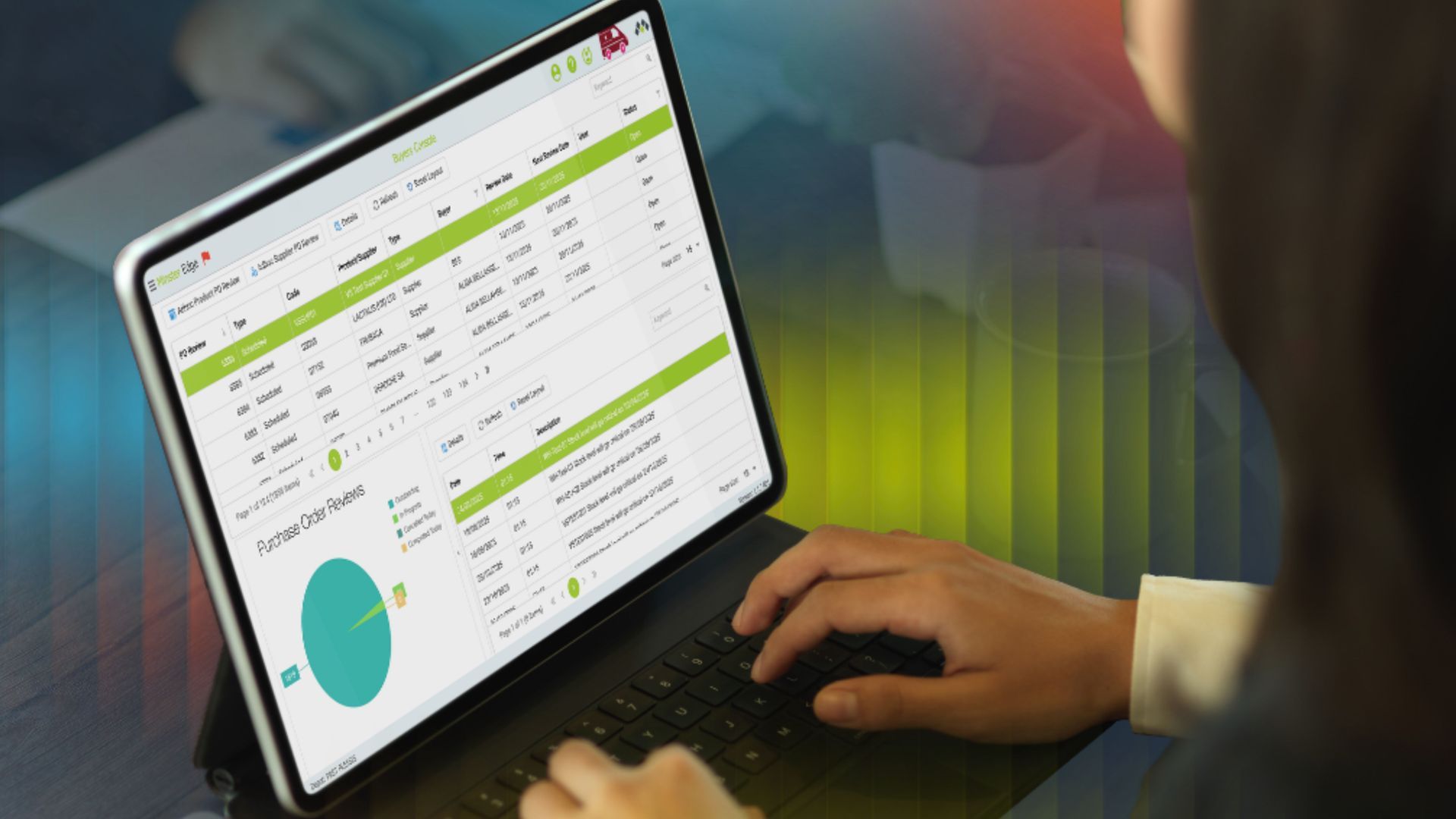
A modern WMS records inventory movements and warehouse activity as they happen. It can give you visibility into stock levels, locations and workflows while generating reports on metrics such as inventory accuracy, order performance and processing times.
That means many of the questions asked during an audit can also be monitored throughout the year.
Instead of discovering six months later that receiving times have crept upwards or inventory accuracy has fallen, you have a better chance of spotting the trend while it's happening.
Formal audits still have their place. But good warehouse visibility turns auditing from an occasional hunt for surprises into an ongoing improvement process.
Minster WMS is a UK developer of cloud-based
warehouse management solutions. Our
CORE and
EDGE systems help businesses monitor inventory, warehouse processes and operational data in real time.
Explore our blog for more practical warehouse advice, or
get in touch to book a free demo of our solutions today.