



How to migrate from spreadsheets to a WMS

Simon Edward • 21 September 2026

Share this article

Spreadsheets can do many jobs – but much better options exist for warehouse management. Learn how to upgrade to a proper WMS.


Spreadsheets can do many jobs – but much better options exist for warehouse management. Learn how to upgrade to a proper WMS.

So, you've decided to invest in a warehouse management system (WMS). Congratulations! Done right, you can expect the switch to give your warehouse a boost in productivity, accuracy and visibility – not to mention a much-needed boost to customer satisfaction.

Getting there, however, can take planning and time – especially if you go ahead without the help of a consultancy or WMS technical support.

How do you do it? Well, the first thing to say is that migrating from spreadsheets to a WMS isn't simply a case of swapping one technology for another. It's also about changing processes.


Successful migrations tend to be preceded by a good deal of auditing, cleaning up and simplification. Replicate every spreadsheet in a new software solution, and you're likely to enter a wilderness of data that doesn't help much in the long run.


Here are ten questions to ask yourself when making the change.

1. What are my current processes?

A good WMS will centralise all your essential warehouse operations. So, before you make the move, you'll need to audit your current processes.

This involves painting a clear picture of your processes for receiving inventory, putting away stock, picking orders, packing shipments, conducting cycle counts and handling returns.


Given you're switching from spreadsheets to dedicated software, you'll also need to figure out where your spreadsheets are stored and who's in charge of maintaining them. Without these steps, you may migrate duplicated information unnecessarily.


Finally, you should give your current processes a quick MOT. Is data being duplicated? Is inventory inaccurate? Are there traceability issues? All these questions can help inform the migration process.


2. Is my master data ready?

The point of migration is to centralise your data. So, before you make the move, it's worth giving it a spring clean. Skip this step, and you risk transferring a load of duplicated and redundant information.


This process of cleaning up is often a matter of standardisation. SKU numbers, product descriptions, inventory quantities and so on should all be legible, accurate and standardised.


3. Do I know my warehouse layout?


Picture of a manager showing a worker correct locations.

Your current spreadsheets may already tag data by zones, aisles, bays, shelves and bins. If not, it's worth taking time to document your warehouse layout and label your data accordingly.

4. Which processes will the WMS manage?

A good WMS can manage an impressive array of warehouse workflows. When first making the switch, however, it can be advisable to choose workflows sparingly. Go overboard, and you may bite off more than you can chew.

The processes you migrate will depend on your specific requirements. Common workflows, however, include receiving, putaway, inventory tracking, picking, packing, shipping, returns and cycle counts.

5. What integrations do I need?


Another benefit of a good WMS is that it integrates easily with other warehouse technologies. Deployed correctly, a WMS can result in your software solutions talking to each other smoothly.


Before migrating from spreadsheets to a WMS, you should figure out how your new piece of software will communicate with existing – or future – tools. These could include your ERP, accounting software, eCommerce platform, barcode scanners or voice-picking headsets.


6. Have I set aside time and resources for migration?

Once you've laid the groundwork, it's time to migrate data relating to inventory, bin locations, suppliers, customers and sales.


And after the data is migrated, you should validate its accuracy with sample checks. Without doing this, you risk going live with data riddled with errors – a situation that will only result in costly downtime down the line.

7. Am I ready to test, test and test again?

You shouldn't upgrade any warehouse technology without comprehensive testing. To this end, you should run end-to-end scenarios involving essential warehouse tasks like receiving, putting away, picking and shipping. You should then compare the WMS results to your predictions.

8. How will I prepare staff for the change?


Picture of someone talking to their staff.

One of the biggest barriers to successful WMS deployment isn't, in fact, technological. It's more about staff resistance or unpreparedness.

Training is of the essence if you want your WMS to work for you. Hands-on practice for pickers, packers, supervisors and inventory managers will help ensure a smooth transition to the next chapter of your warehouse life.


9. Do I have a firm date and time in mind for the switchover?

When will you make the switch? Many warehouses choose to do so over the weekend or at a time when orders are low.

Before doing so, it's also standard practice to freeze inventory transactions, take a final physical count and import inventory data.


10. How will I measure progress?

After you've made the switch, it's important to track progress with key performance indicators (KPIs).


Common metrics in the warehousing world include inventory accuracy, order accuracy, pick rate, order cycle time, door-to-stock time and returns.


By tracking these processes, you're in a better position to finesse your workflows and keep the customer satisfied.

What to avoid

Ask these 10 questions, and you'll maximise your chances of success when migrating from spreadsheets to a WMS. But what should you make sure not to do?


Here are four common pitfalls to avoid:

  1. Importing bad spreadsheet data: this will do nothing but create data slippages and absences down the line.

  2. Replicating inefficient spreadsheet processes: this will only duplicate inefficient processes in your new environment – the very thing you're trying to avoid.

  3. Cutting corners with testing: these shortcuts are often taken to minimise downtime – but the results can create more downtime than they avoid.

  4. Not investing in training: your staff must be ready – and willing – to hit the ground running with your new software. Otherwise, you risk causing short-term delays and long-term bad habits that stop you from making the most of your WMS.

Minster WMS is a UK-based software company specialising in warehouse management solutions. Our systems, CORE and EDGE, can deliver 99.98% picking accuracy, 30% cost savings and end-to-end visibility across all warehouse operations. Book a demo today to see them in action.


Recent Posts

Wholesale warehouse fulfilment presents unique challenges and requires unique solutions.
by Simon Edward • 28 September 2026
Wholesale warehouse fulfilment presents unique challenges and requires unique solutions. Explore them in our industry guide.

When managing inventory, it's important to calculate safety stock levels. Find out how to do it
by Simon Edward • 25 September 2026
When managing inventory, it's important to calculate safety stock levels. Find out how to do it – and how a WMS can help.

What are the benefits and challenges of multichannel fulfilment, and how can a WMS help?
by Simon Edward • 14 September 2026
What are the benefits and challenges of multichannel fulfilment, and how can a WMS help? Find out in our industry guide.
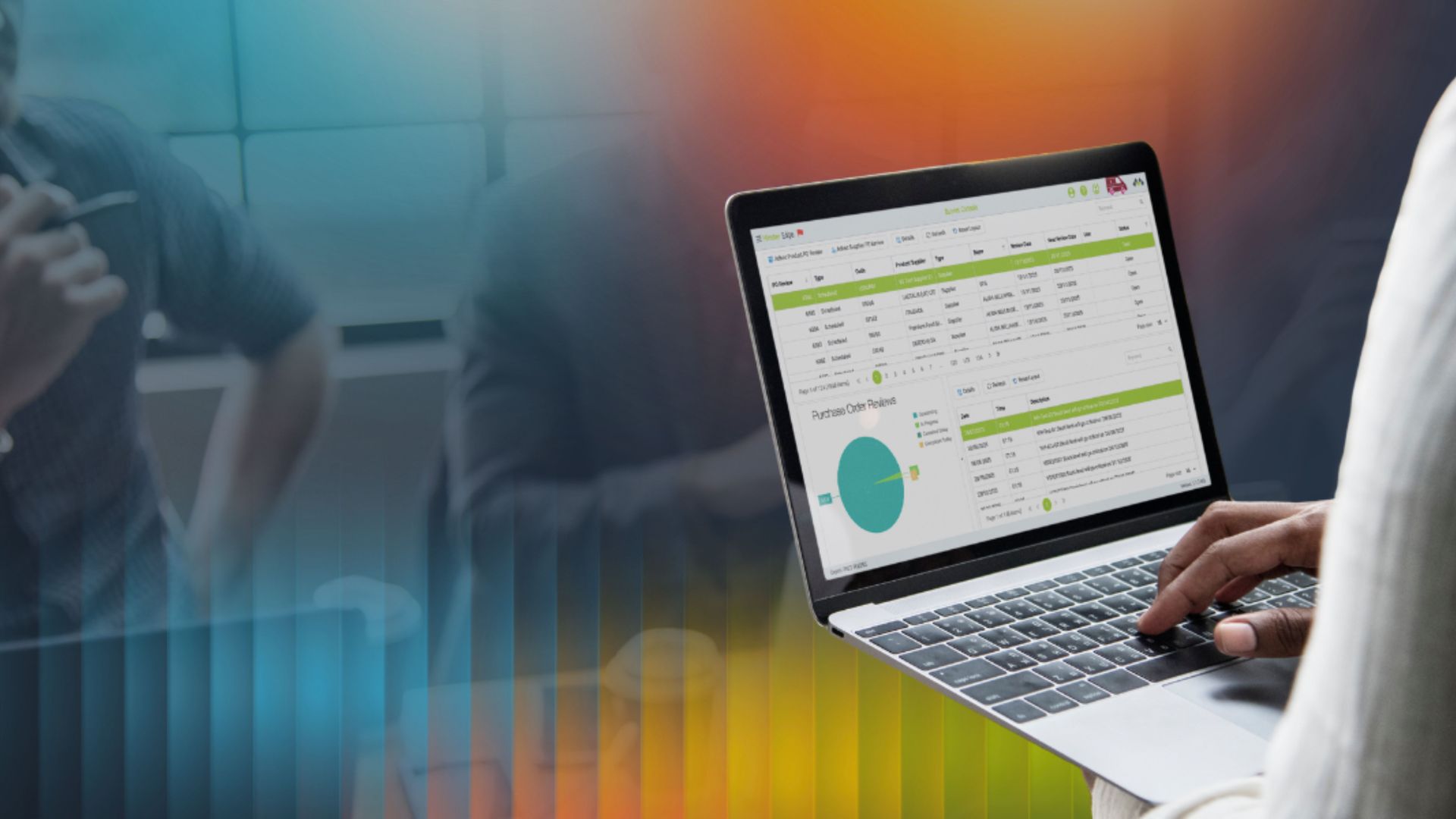
What data should you monitor daily in your warehouse? Explore 5 key metrics –
by Simon Edward • 11 September 2026
What data should you monitor daily in your warehouse? Explore 5 key metrics – and how a good WMS can help.

Are you wasting money on product returns? Learn concrete steps to reduce costs and improve
by Simon Edward • 7 September 2026
Are you wasting money on product returns? Learn concrete steps to reduce costs and improve efficiency.
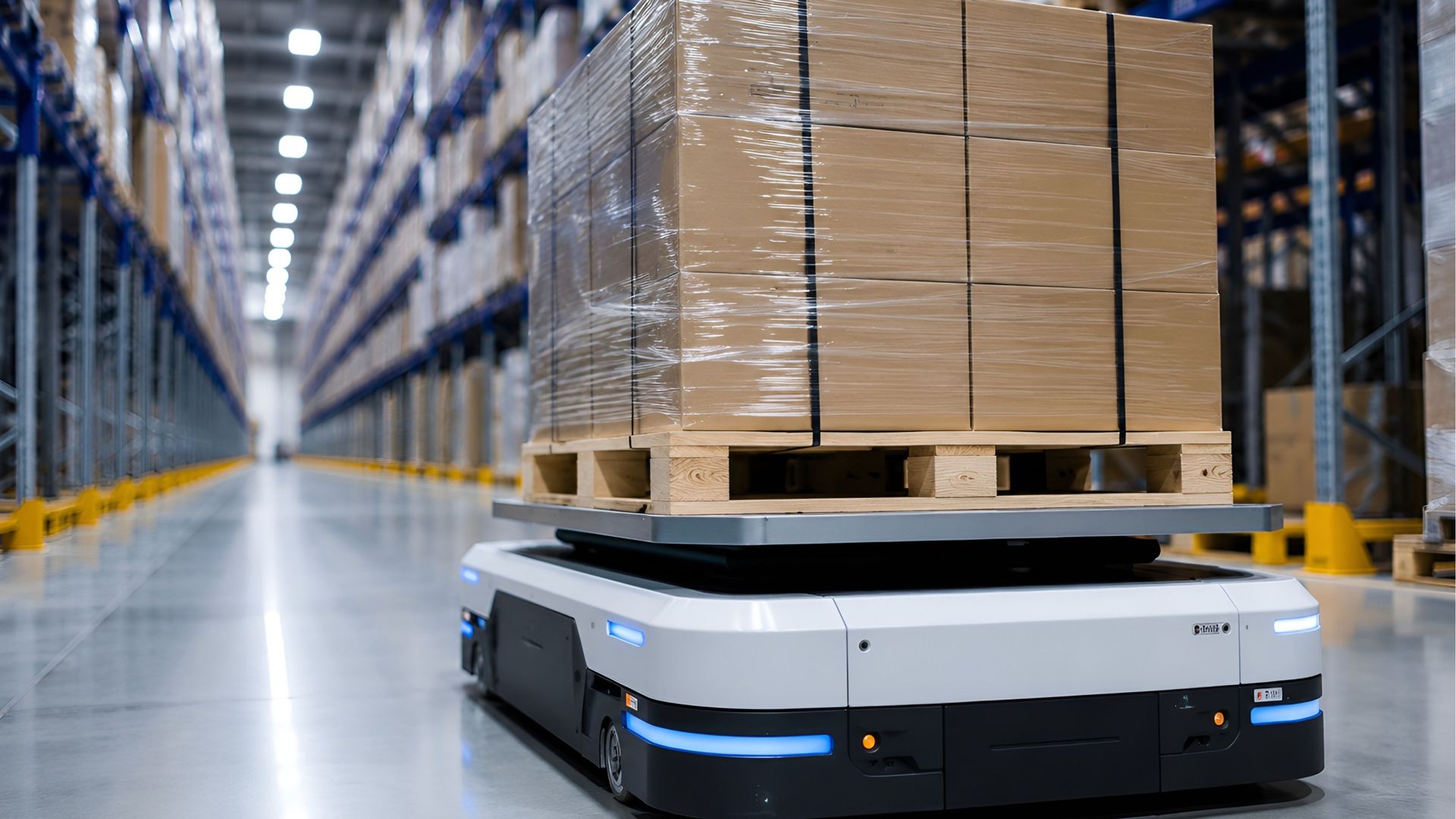
Do you know your AMR from your AGV? Explore the pros and cons of these types of warehousing robots.
by Simon Edward • 4 September 2026
Do you know your AMR from your AGV? Explore the pros and cons of these types of warehousing robots.
Are you setting up an eCommerce business? You've got a lot of hard thinking to do.
by Simon Edward • 31 August 2026
Are you setting up an eCommerce business? You've got a lot of hard thinking to do. Here are 10 questions to boost your chances of success.

What is fleet management and why does it matter? Learn the ABCs of fleet management,
by Simon Edward • 28 August 2026
What is fleet management and why does it matter? Learn the ABCs of fleet management, including key challenges and technological solutions.
How is AI changing warehouse management? Explore the developments, benefits and challenges
by Simon Edward • 24 August 2026
How is AI changing warehouse management? Explore the developments, benefits and challenges of this game-changing technology.

Warehouse mistakes cost money. But how much – and how can a warehouse management system help you
by Simon Edward • 21 August 2026
Warehouse mistakes cost money. But how much – and how can a warehouse management system help you save?

Show More